Getting Started
Get started with GLEAM Accelerator
GLEAM Accelerator is an AI-powered instructional platform for K–12 educators. Build new standards-aligned math lessons from scratch, or bring in materials you already teach and strengthen them. This guide covers both.
Watch the walkthrough
New to GLEAM Accelerator? Start here. Each short video covers one part of the workflow.
Before you begin
GLEAM Accelerator runs entirely in your browser — nothing to install. Use a recent version of Chrome, Edge, Firefox, or Safari. You'll need an account from your school or district administrator.
Two ways to work with GLEAM Accelerator
Teachers spend most of their time in one of two tools. They solve different problems, and you can use either on its own — neither is a step in the other.
Lesson Generator
Start from nothing. Choose a standard and a topic, and GLEAM Accelerator generates a complete lesson — problems, worked solutions, and charts.
Lesson Evaluator
Start from what you already teach. Bring in an existing lesson and GLEAM Accelerator analyzes it, then helps you strengthen the parts that need it.
Create a new lesson
Follow these five steps to go from a blank page to a finished lesson. Each one links to a deeper guide once you're ready for the details.
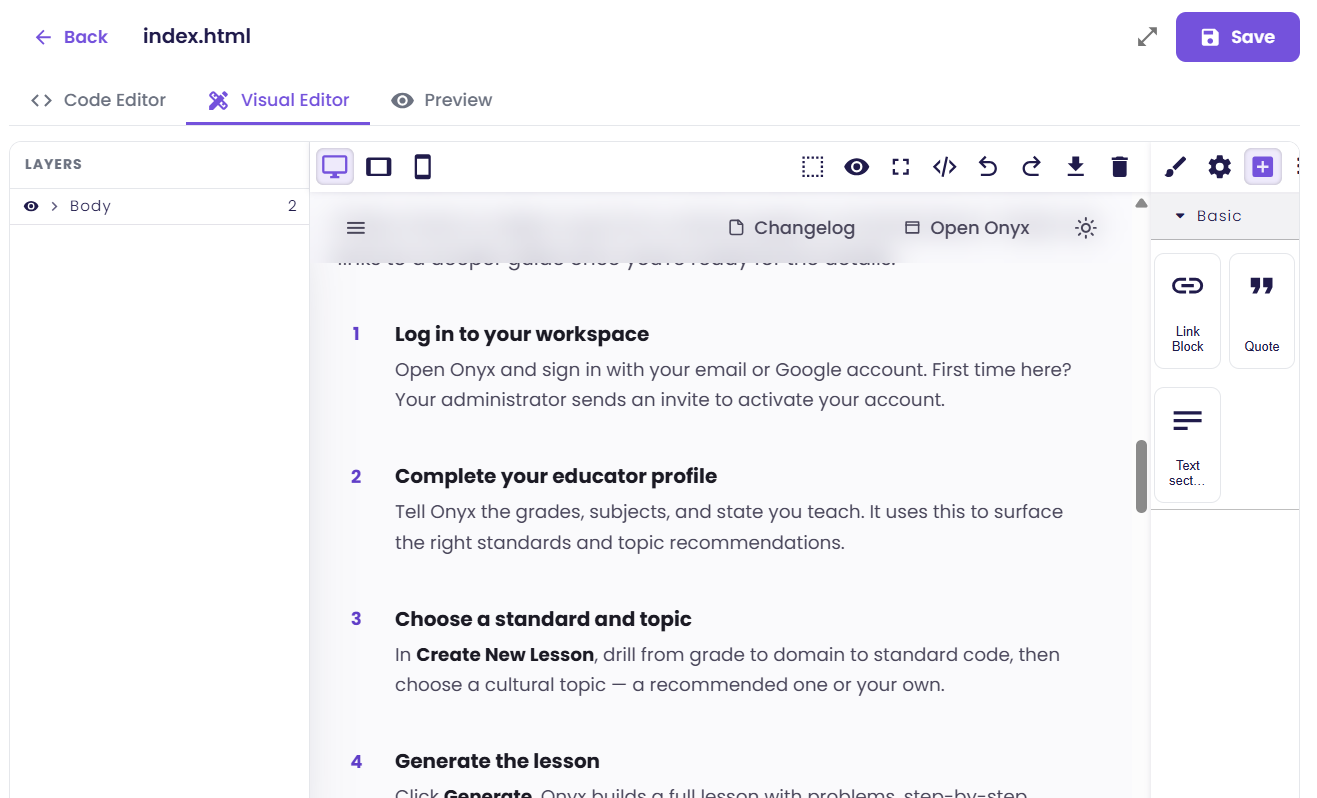
Log in to your workspace
Open GLEAM Accelerator and sign in with your email or Google account. First time here? Your administrator sends an invite to activate your account.
Complete your educator profile
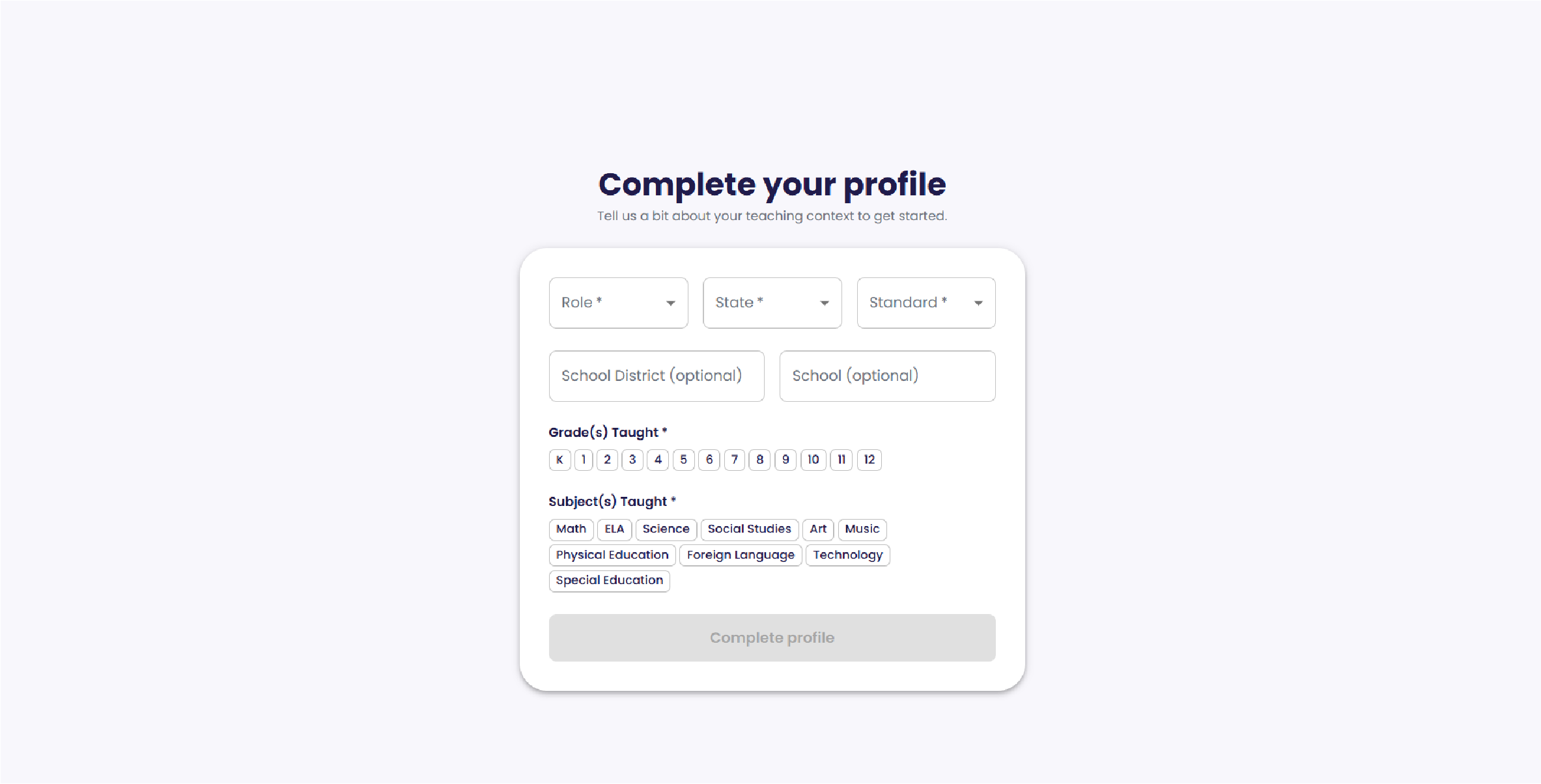
Tell GLEAM Accelerator the grades, subjects, and state you teach. It uses this to surface the right standards and topic recommendations.
Choose a standard and topic
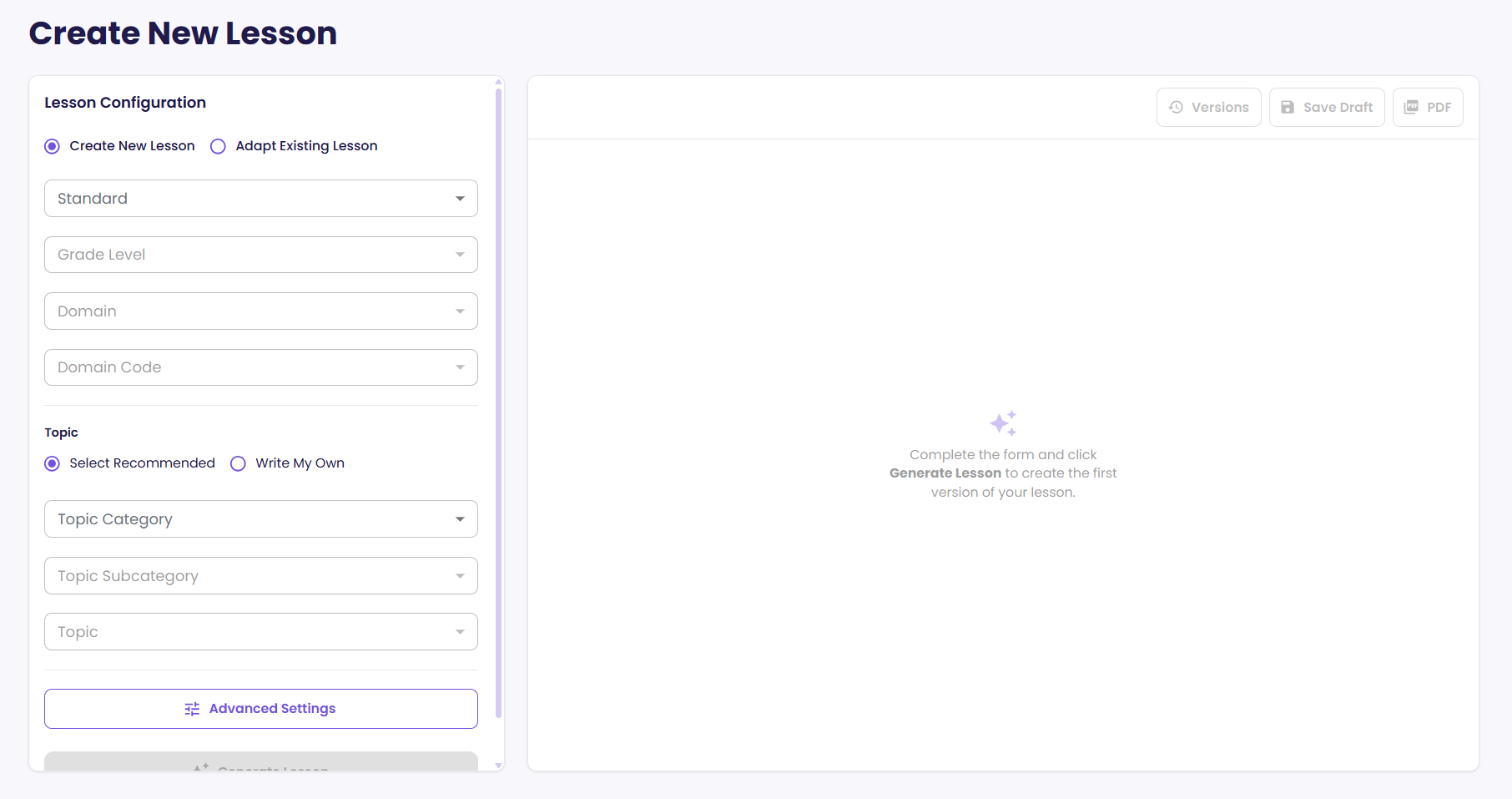
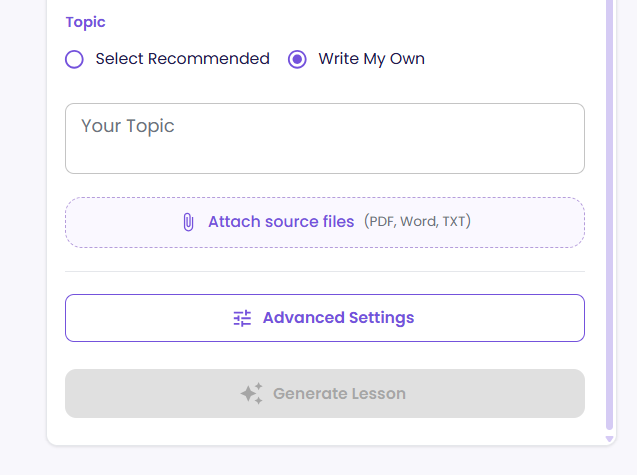
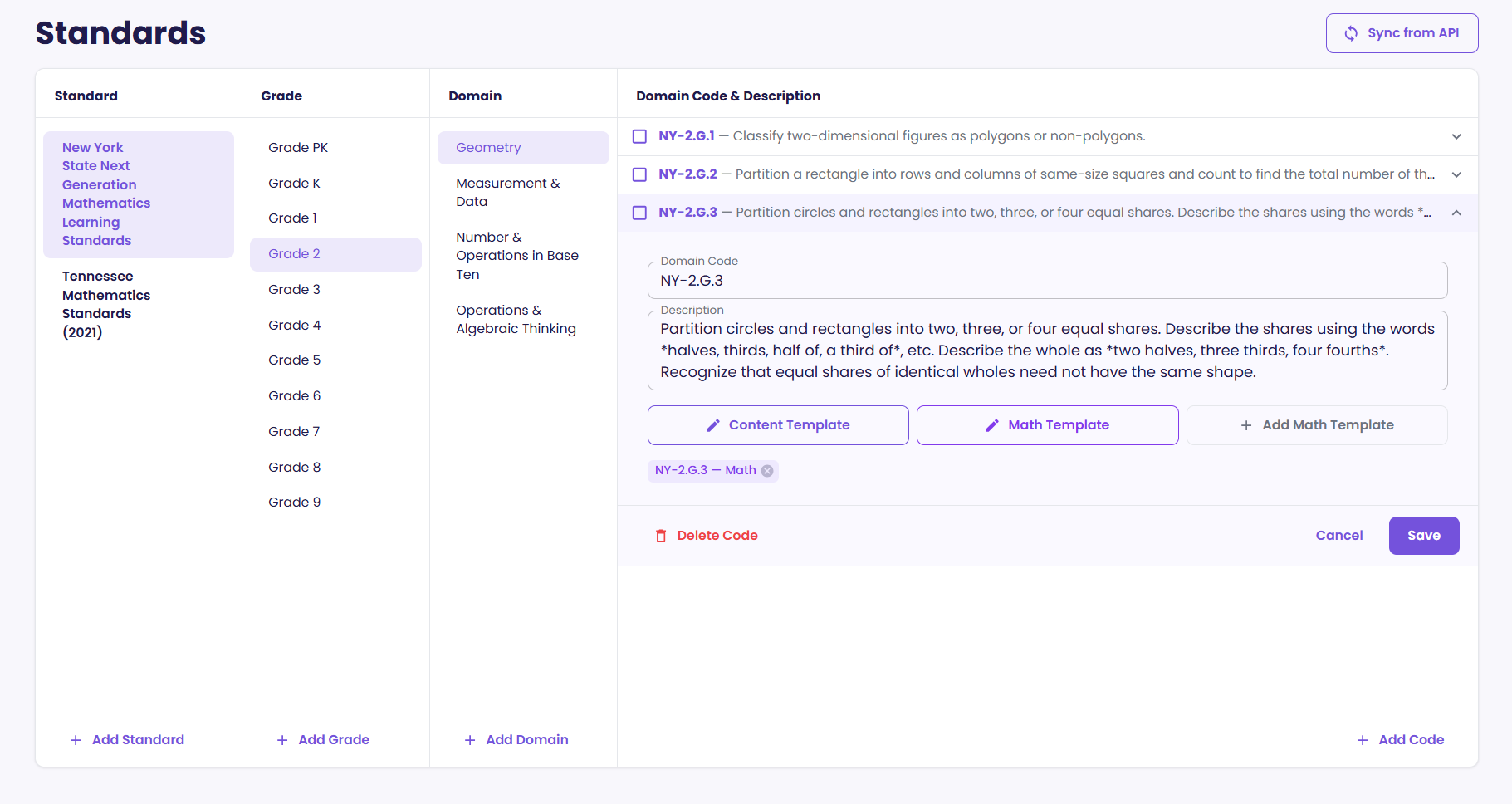
In the Lesson Generator, drill from grade to domain to standard code, then choose a topic — a recommended one or your own.
Generate the lesson
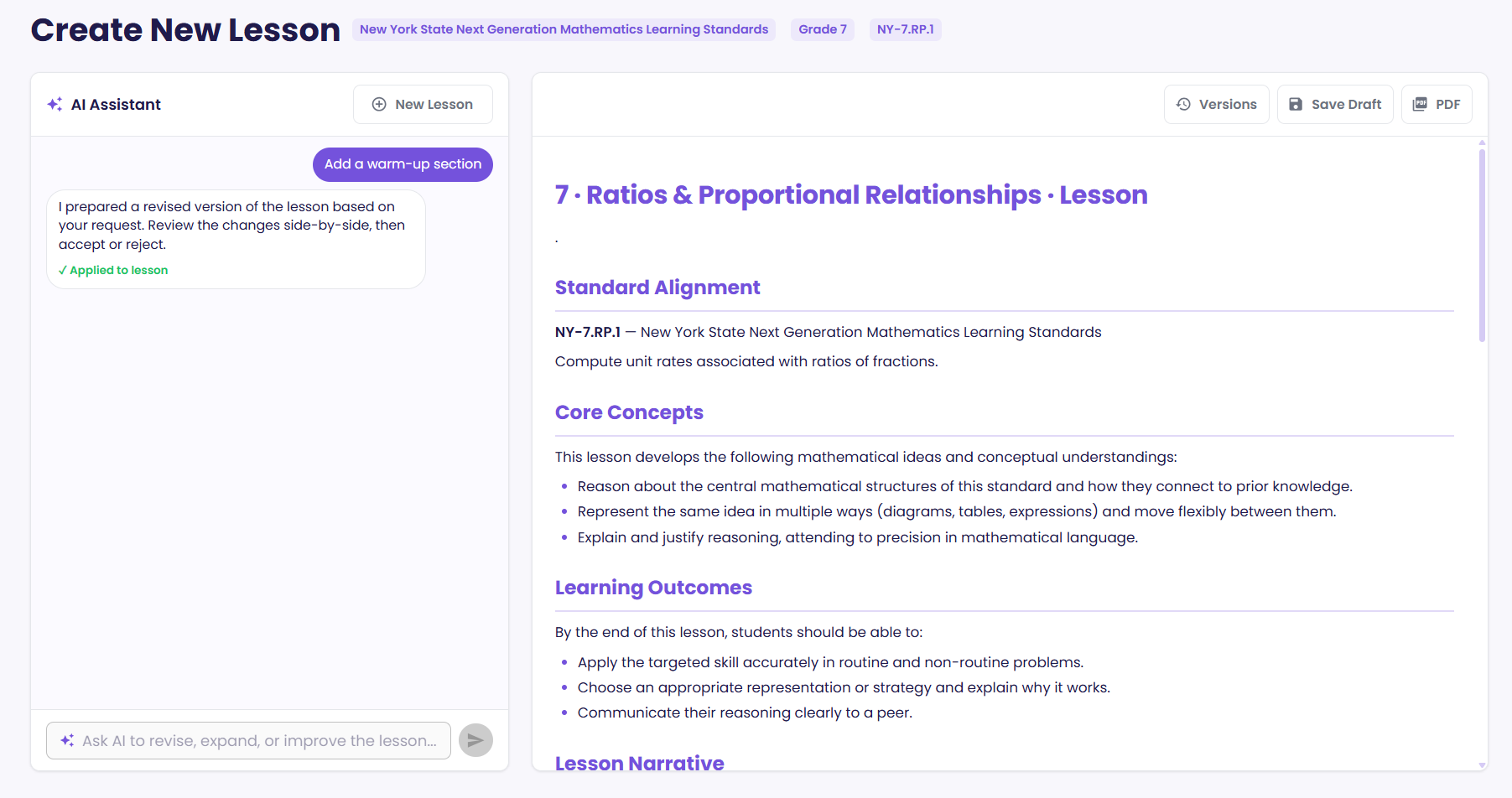
Click Generate. GLEAM Accelerator builds a full lesson with problems, step-by-step solutions, and charts, then drops it into the editor.
Review and export
Read it through, ask the AI chat for any changes you want, then download a print-ready PDF.
Strengthen a lesson you already have
Not every lesson needs to be built from scratch. Most teachers already have materials they've refined over years — units that work, tasks students respond to, handouts that have been through a dozen revisions. The Lesson Evaluator is for those.
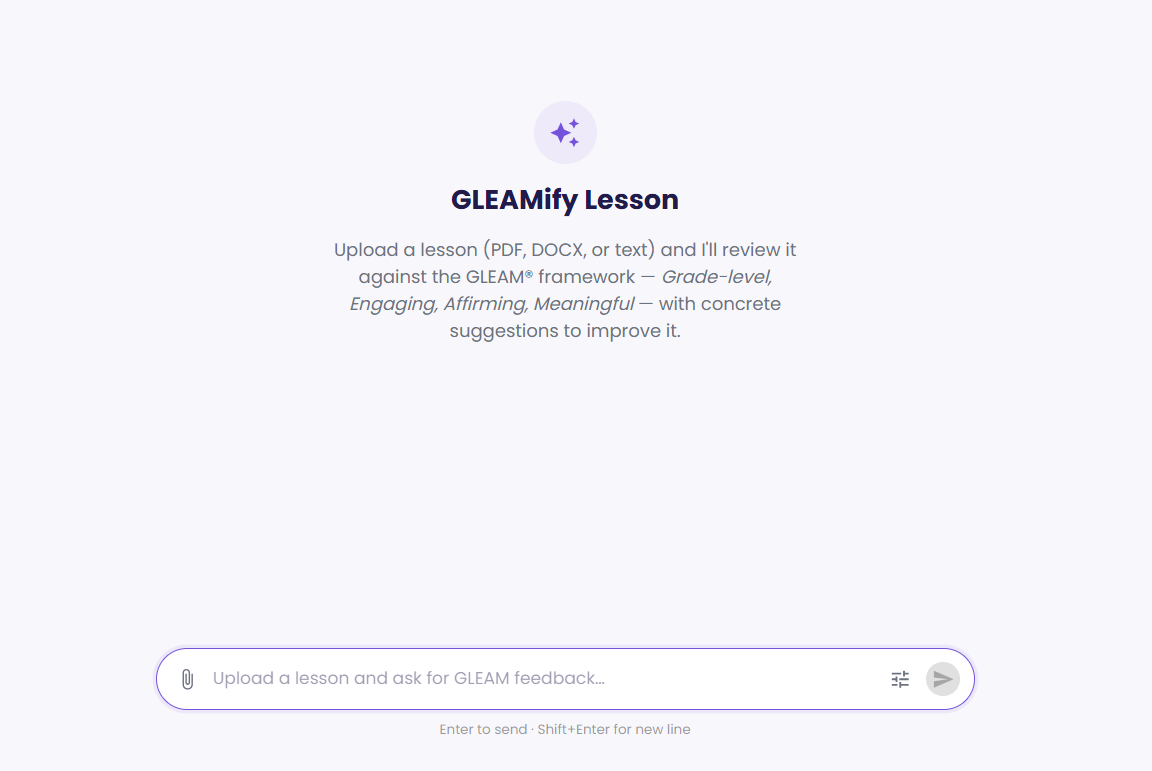
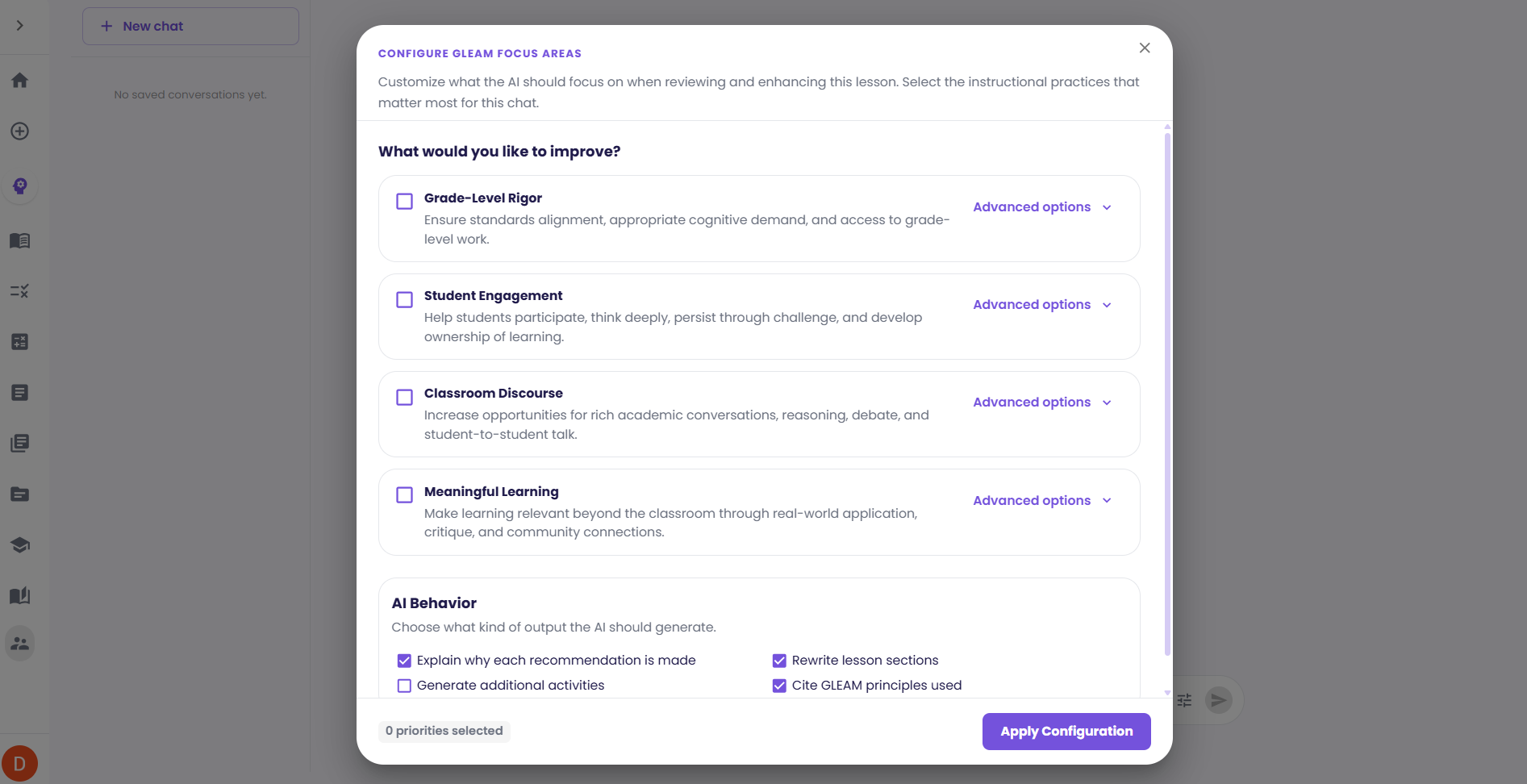
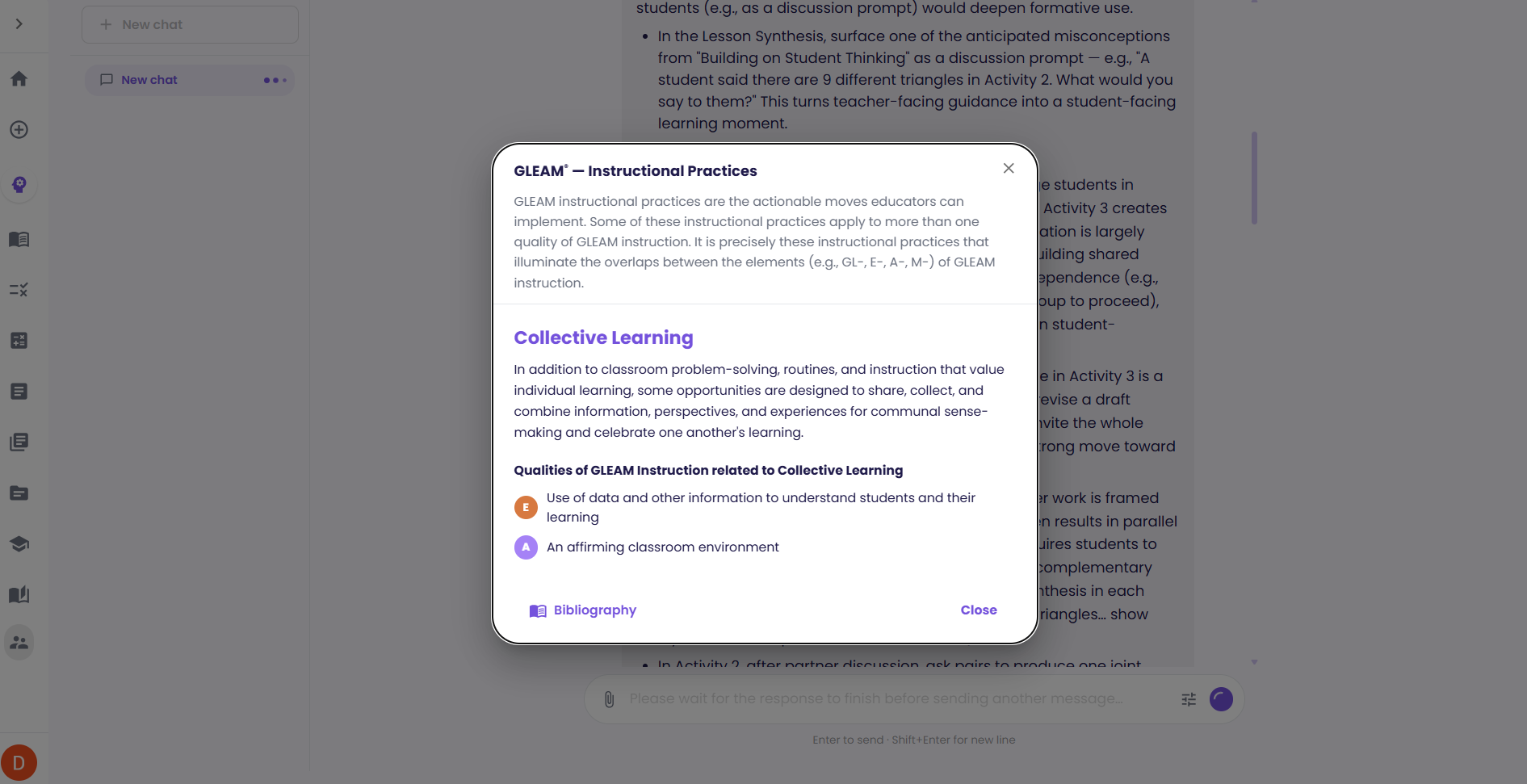
It's built on UnboundEd's GLEAM® framework, which describes instruction that is Grade-level, Engaging, Affirming, and Meaningful. GLEAM Accelerator applies that framework to your lesson the way an instructional coach would: it names what's already working before it suggests anything, and it changes as little as possible.
Bring in the lesson
Upload it as a PDF, Word document, or text file — or paste it straight in. It doesn't need to have come from GLEAM Accelerator.
See it analyzed against the framework
GLEAM Accelerator reviews the lesson across the GLEAM instructional practices and tells you how it reads against each one.
Find the opportunities
The review ends with the specific moves worth making next, so you know where the effort will actually pay off rather than guessing.
Adapt the parts you choose
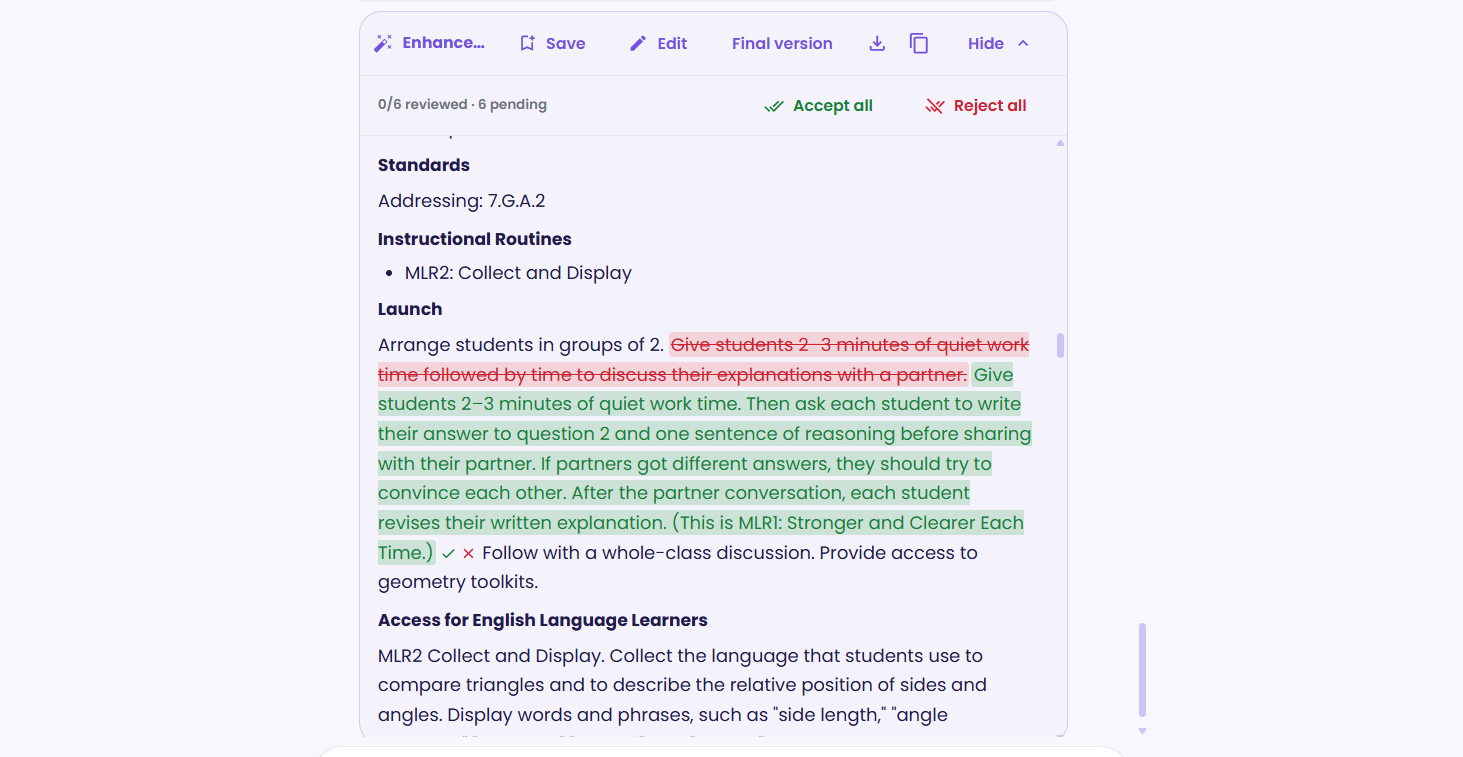
Alongside the review you get your lesson back with every suggested edit marked inline. Accept or reject each one individually — you decide what changes and what stays.
Your lesson stays yours
The Lesson Evaluator edits sparingly by design and shows you every change it proposes. Nothing is applied unless you accept it, so what comes back still reads as the lesson you wrote.
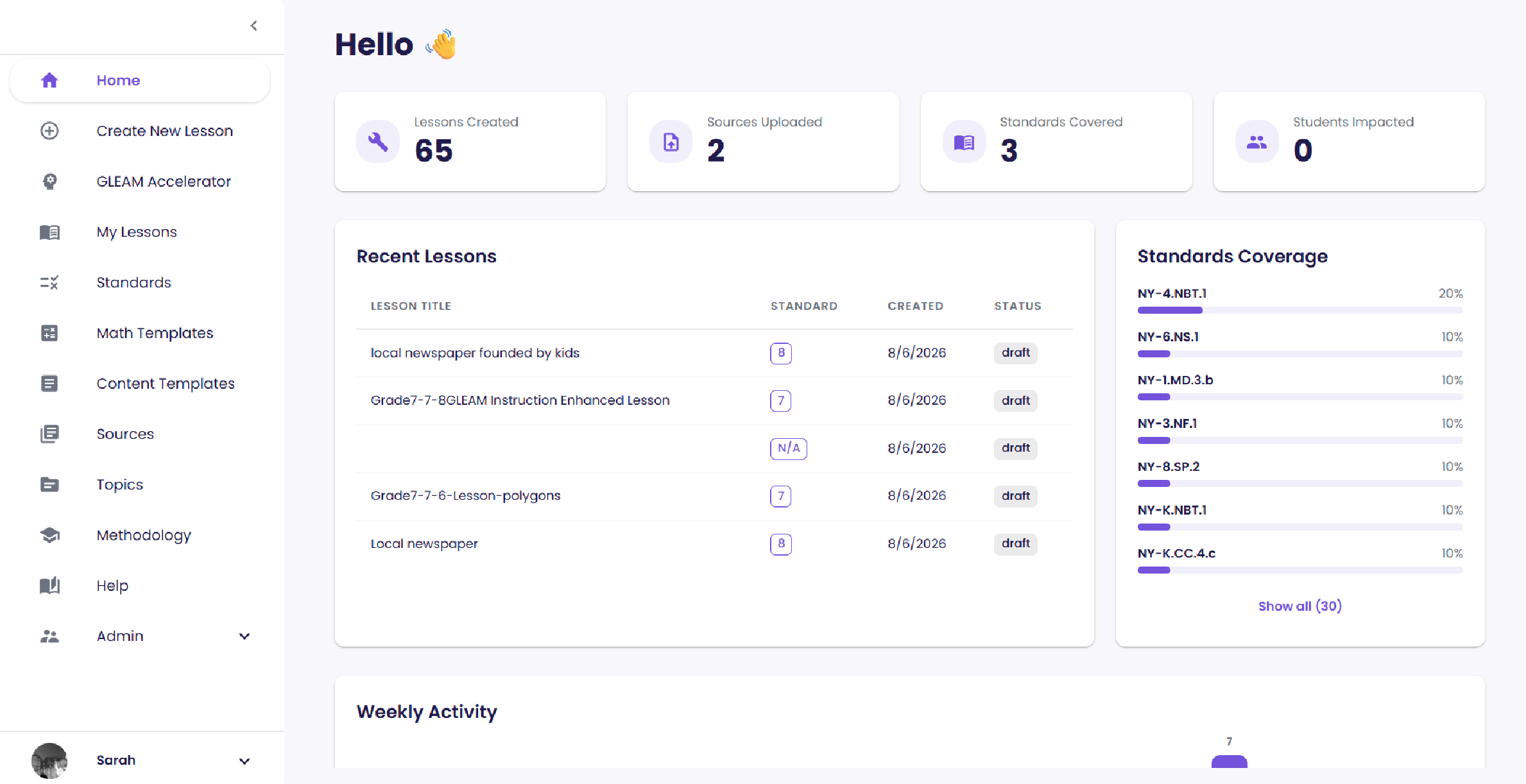
The GLEAM Accelerator dashboard
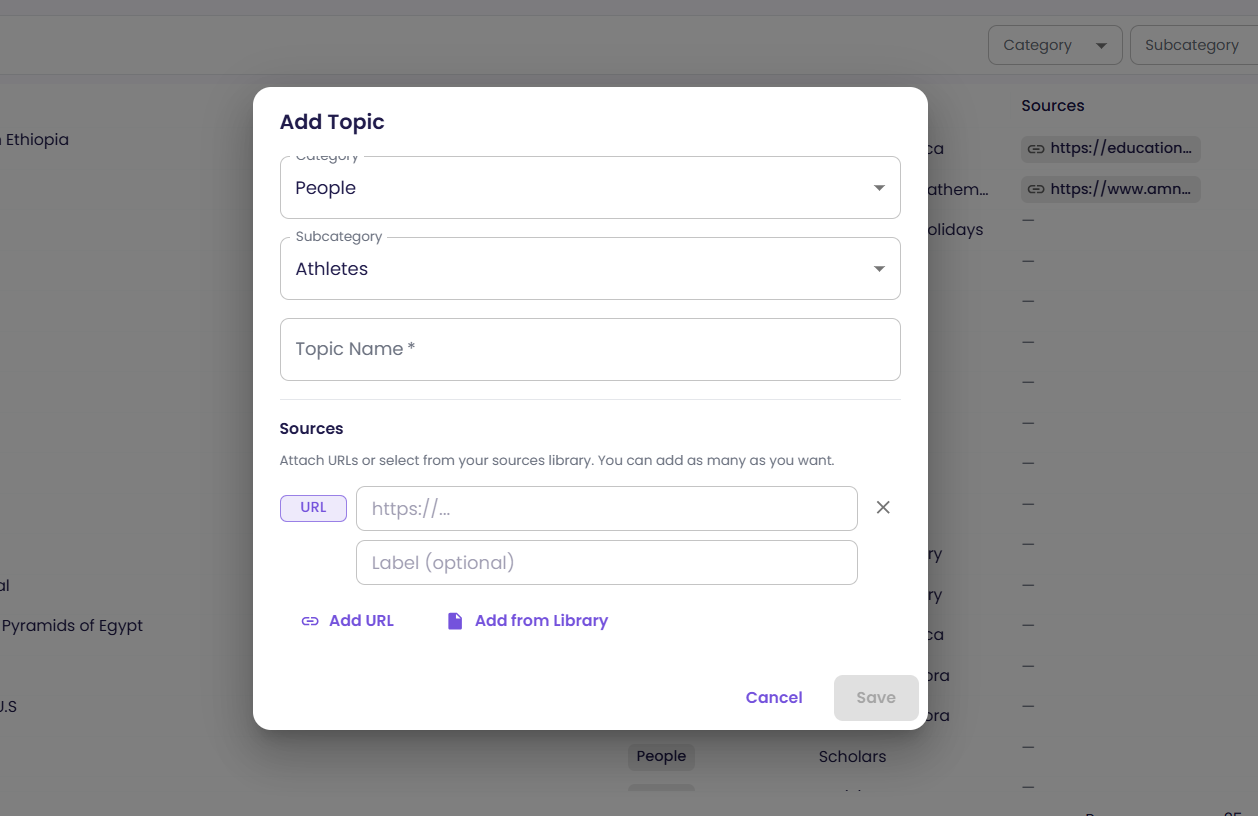
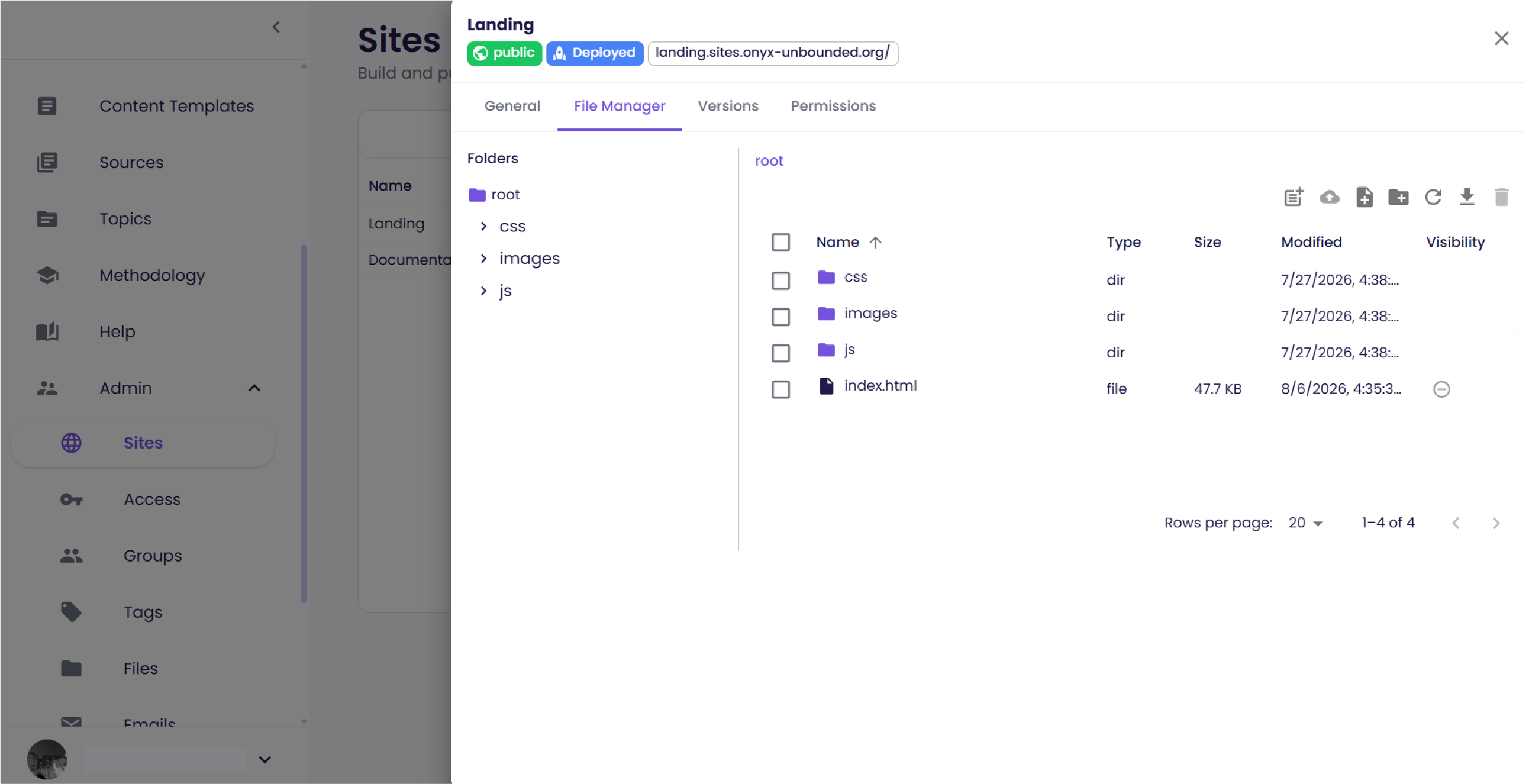
After you log in, the dashboard is home base. The left sidebar groups every tool — lessons, templates, standards, topics, and admin features — while the main panel shows whatever you're working on.
Key concepts
A few ideas show up throughout GLEAM Accelerator. Knowing them makes everything else click into place.
Standards
The math backbone — a four-level hierarchy of grade, domain, and standard code.
Topics
Themes — people, places, and culture — that ground each problem in a real-world context.
Templates
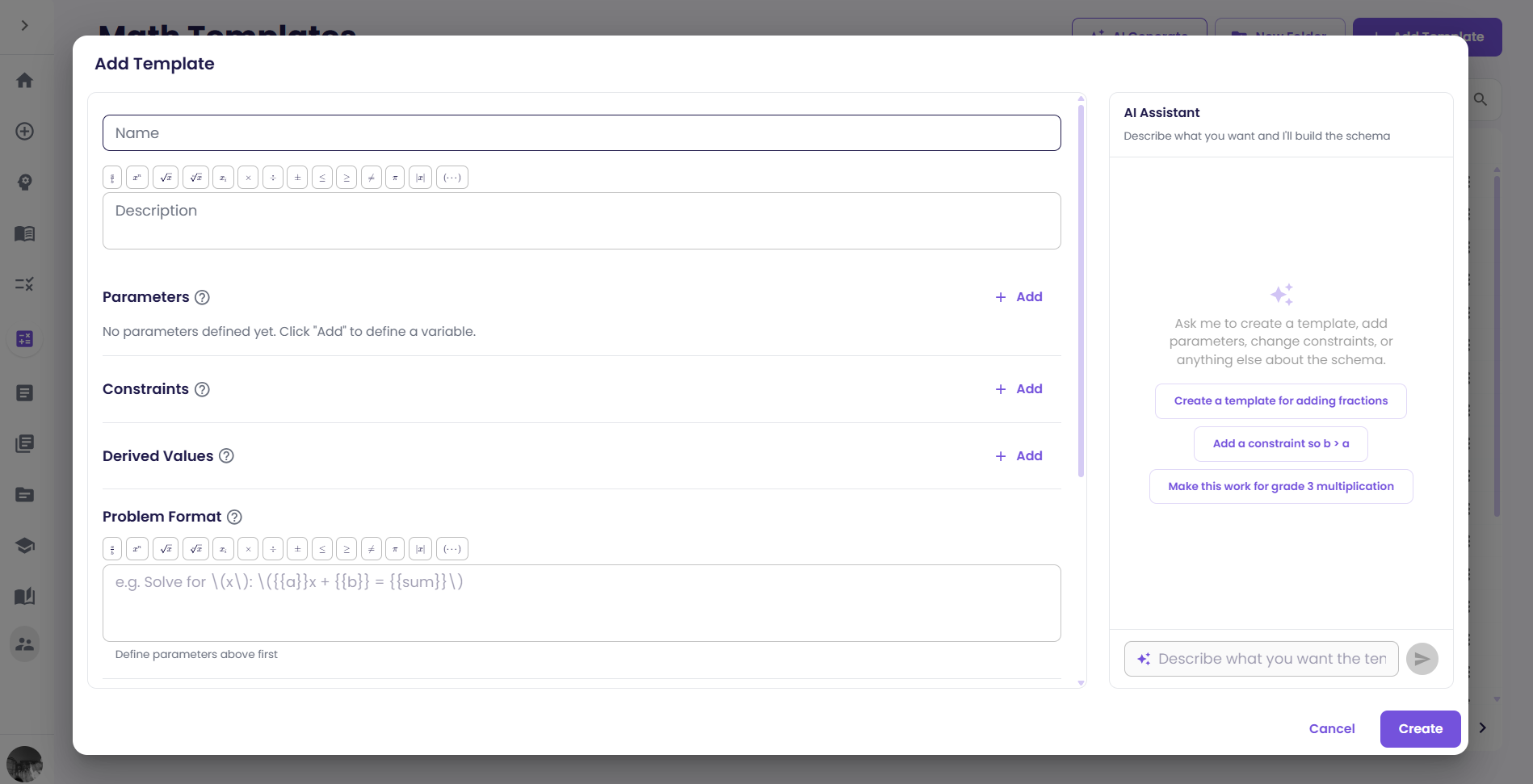
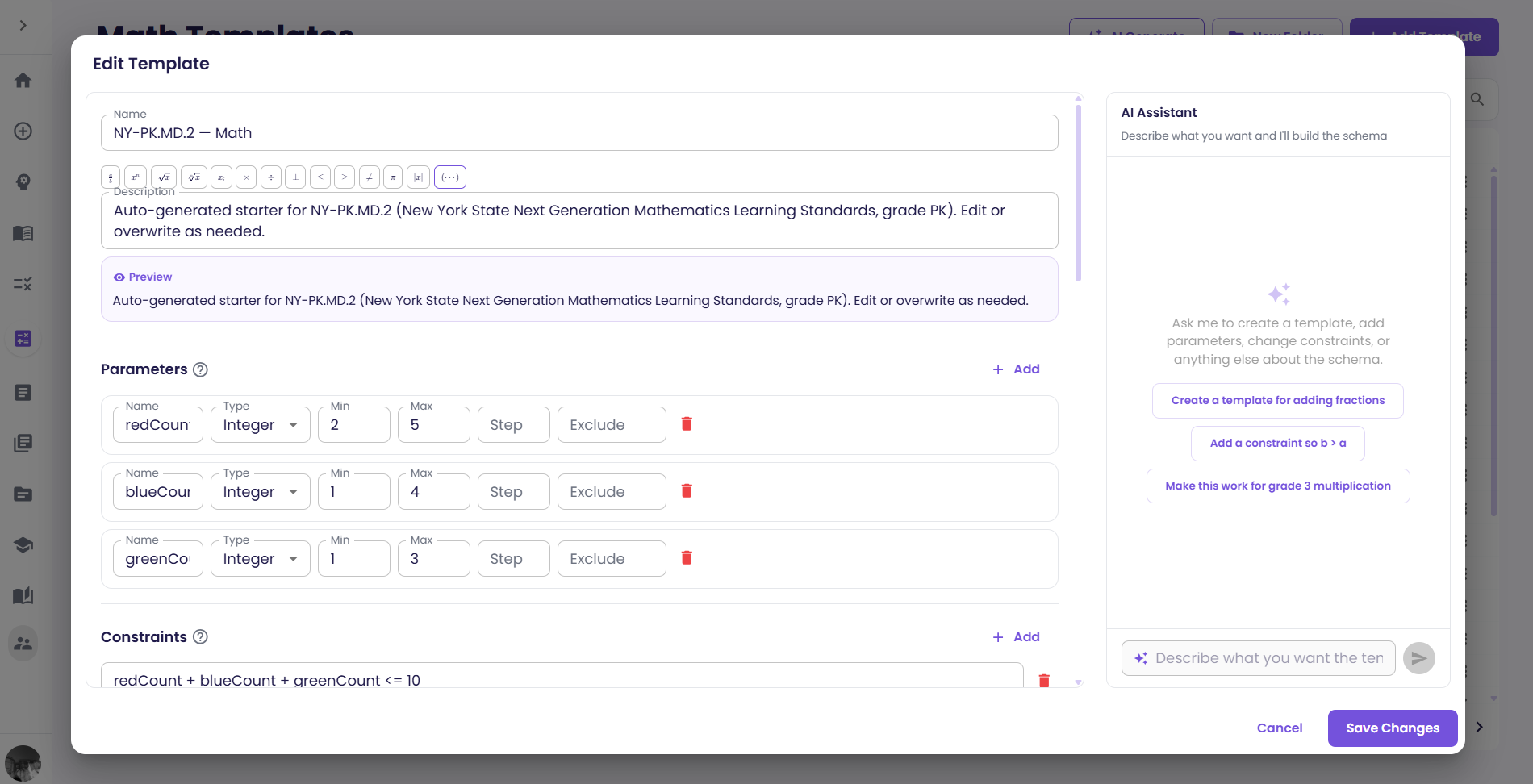
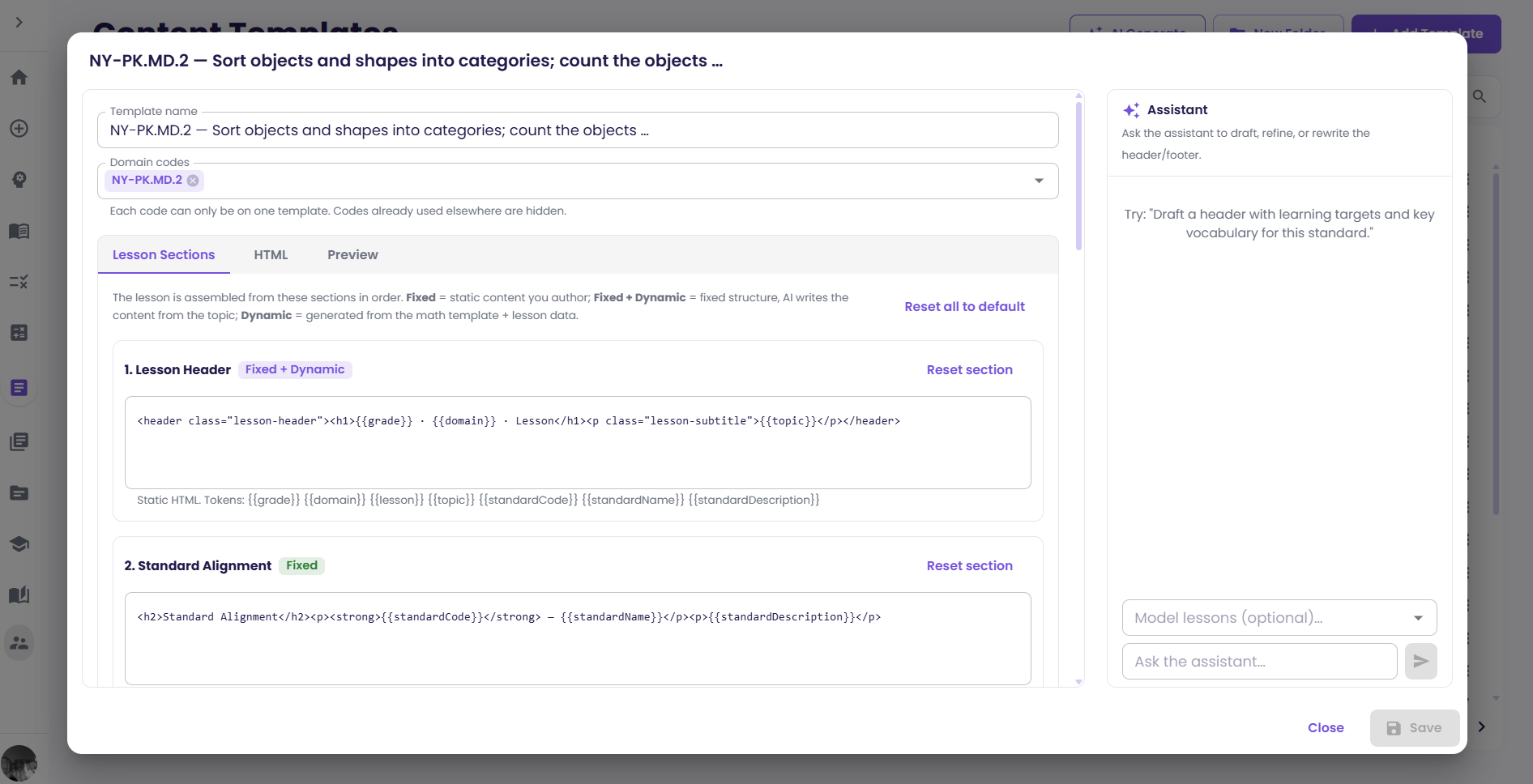
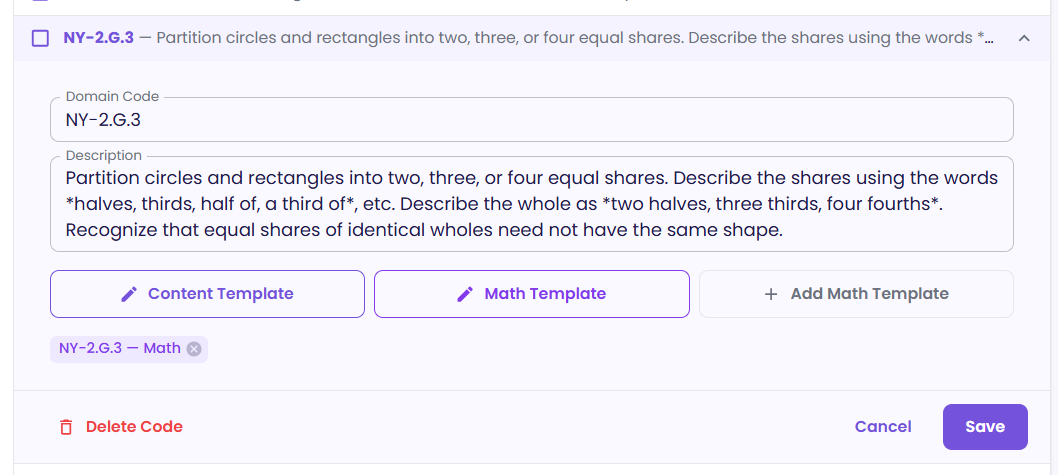
Code templates shape a lesson's layout; math templates generate reliable, varied problems.
GLEAM
UnboundEd's vision for Grade-level, Engaging, Affirming, Meaningful instruction — built into an AI coach.
What you can do with GLEAM Accelerator
Creating and strengthening lessons are the two things teachers do most, and the rest of the platform supports them. Use whichever tools your work calls for — they're independent, and none is a required step in the others.
| Tool | What it's for |
|---|---|
| Lesson Generator | Build a standards-aligned lesson from scratch. |
| Lesson Evaluator | Analyze and strengthen a lesson you already have, whether or not it came from GLEAM Accelerator. |
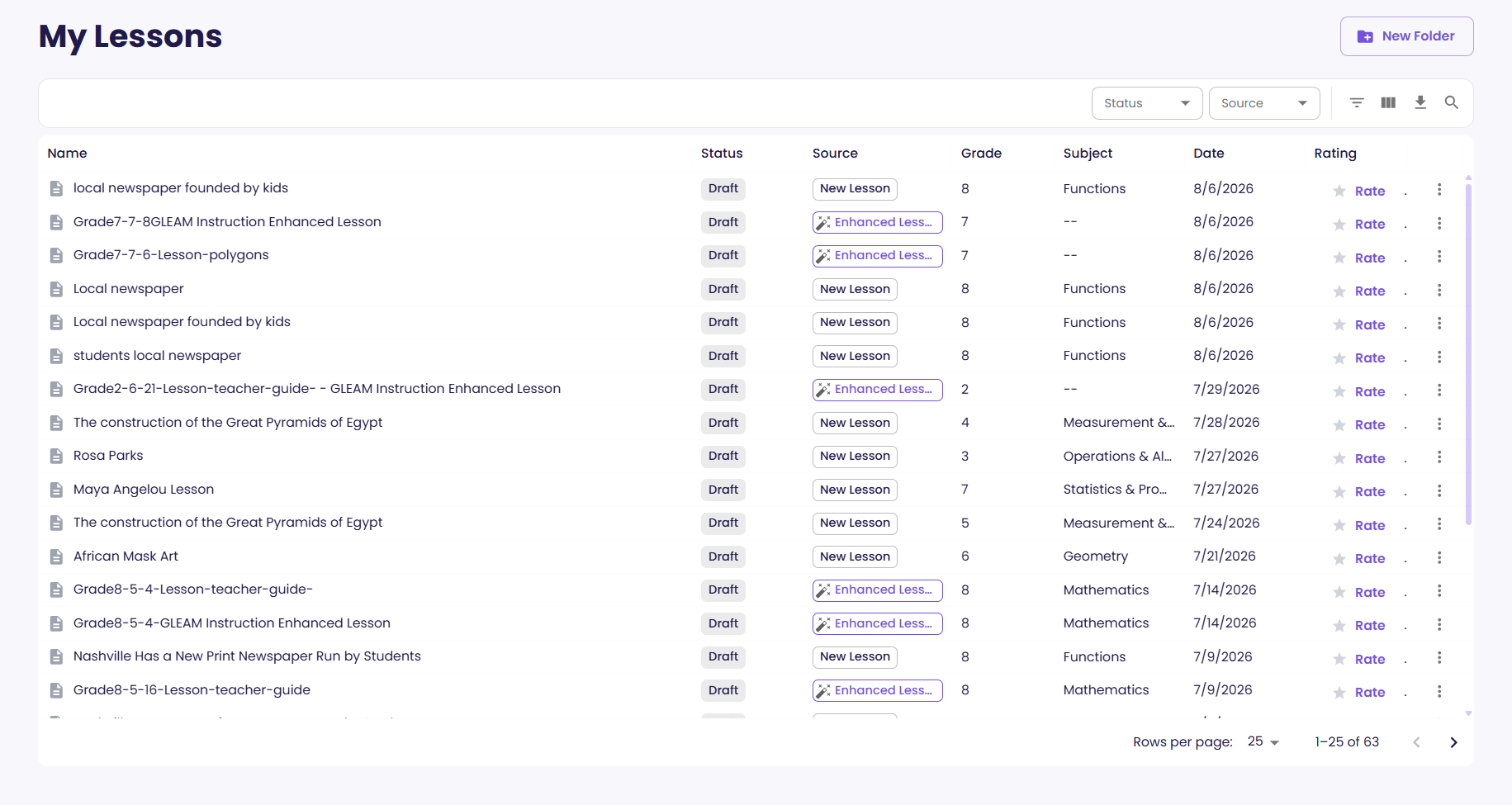
| My Lessons | Keep your library organized and export print-ready PDFs. |
Tip
Whichever tool you start in, don't try to get it right in one pass. Generate a lesson and adjust it in the AI chat, or send a lesson for review and work through the changes one at a time — both are built for iterating.
Next steps
Ready to go deeper? Pick up any of these guides.